How Do I Know If My Company Has Subscribed to Mind You?
Before Mind You launches with your company, your HR division will send you an email to your work email notifying you about your company’s subscription to Mind You. This email will show you how to activate your Mind You account.
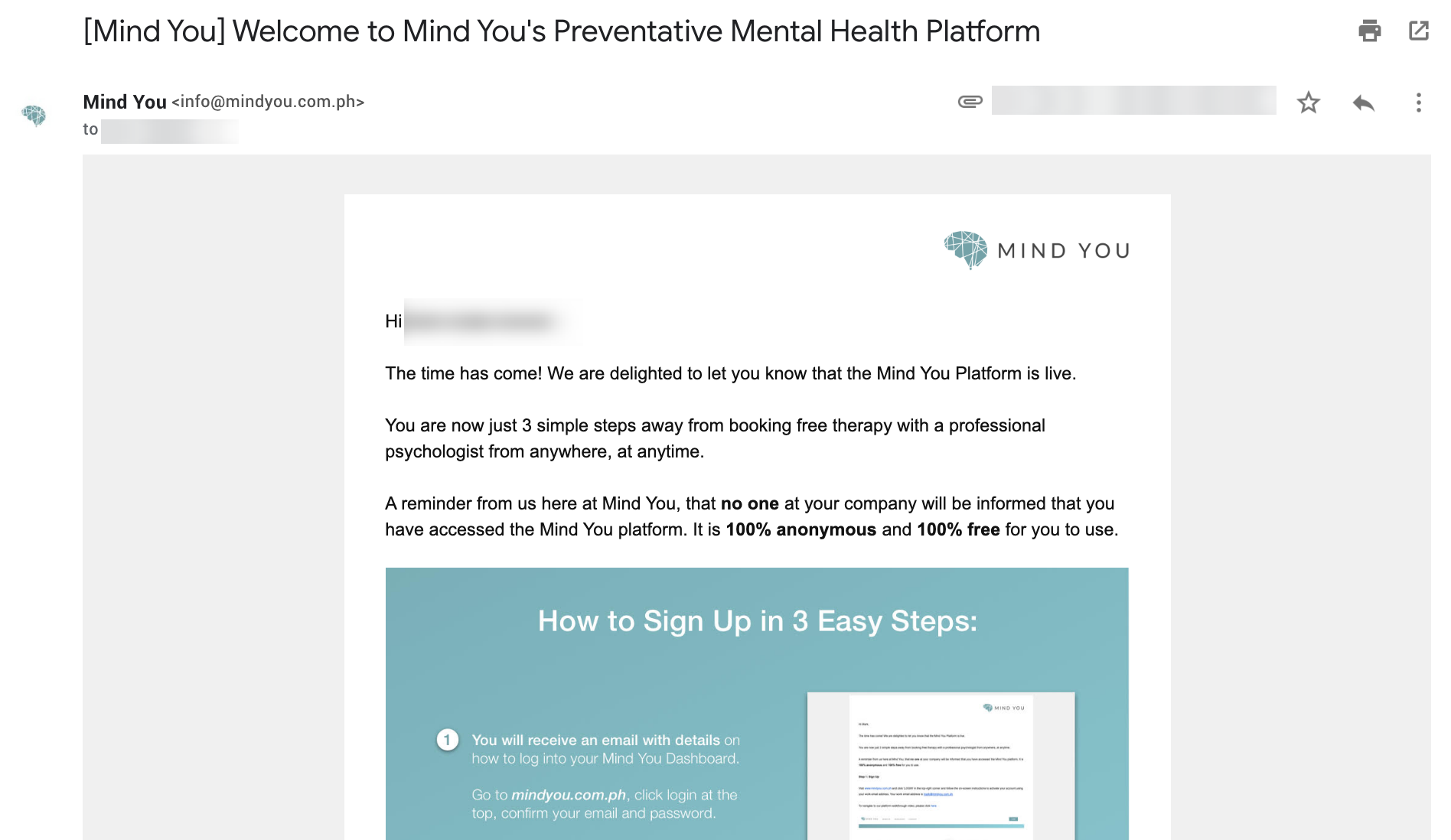
If you have any questions in regards to your company's subscription to Mind You, please reach out to your HR division and ask if your company has subscribed to our services. Mind You offers psychological telehealth talk therapy to enterprises as a B2B service. In order to sign up for Mind You, your company must sign up for a subscription to our services. To find out how your company can subscribe to Mind You, Contact Us and talk to a member of our team today.
Once your company has subscribed to Mind You, please be sure to activate your account.
If you have any questions in regards to your company's subscription to Mind You, please reach out to your HR division and ask if your company has subscribed to our services. Mind You offers psychological telehealth talk therapy to enterprises as a B2B service. In order to sign up for Mind You, your company must sign up for a subscription to our services. To find out how your company can subscribe to Mind You, Contact Us and talk to a member of our team today.
Once your company has subscribed to Mind You, please be sure to activate your account.
For any more questions or concerns, please contact us at support@mindyou.com.ph.
Related Articles
How Do I Access My Mind You Account?
If your company is subscribed to Mind You: You may have a Mind You account that needs to be activated! You may Activate your Mind You account by inputting your work email into the ‘New to Mind You’ page found on the login page. 1) Access ...How Do I Sign Up For Mind You?
Mind You offers psychological telehealth talk therapy to enterprises as a B2B service. In order to sign up for Mind You, your company must sign up for a subscription to our services. To find out how your company can subscribe to Mind You, Contact ...Can I avail of the Mind You services directly?
Currently, Mind You does not offer services to regular consumers. Mind You partners with businesses and large organizations to provide free access to mental healthcare for its employees. For any more questions or concerns, please contact us ...How Can I Contact Mind You?
To contact us, you can access our contact form from the navigation tab on our homepage under Contact or by clicking the Contact Us button found throughout the website. Fill out our contact form and click Submit You may also follow this link to ...How Do I Change My Password?
In the Mind You dashboard, you will have access to several actions. One of which is to change your password. To change your password: 1) Access your Mind You Dashboard and Select Account 2) Input your Old Password and Input your New Password Fill out ...